 Celebrate with up to 80% off
-
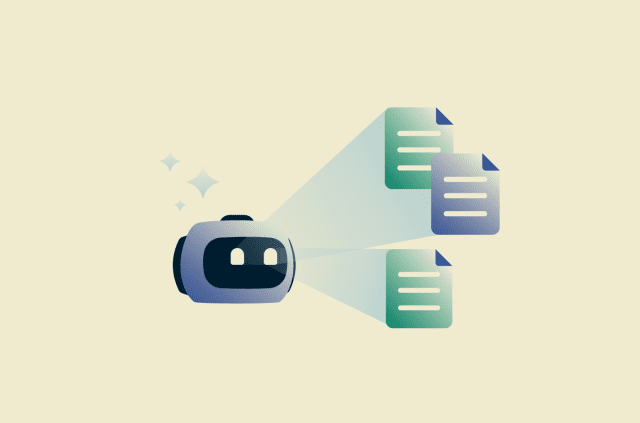
Google Docs AI data collection: What it means, what’s at risk, and how to stay in control
Google Docs is widely used to create, store, and collaborate on documents, but its growing integration with AI has raised new questions about data privacy. This article covers what data may be collect...
-
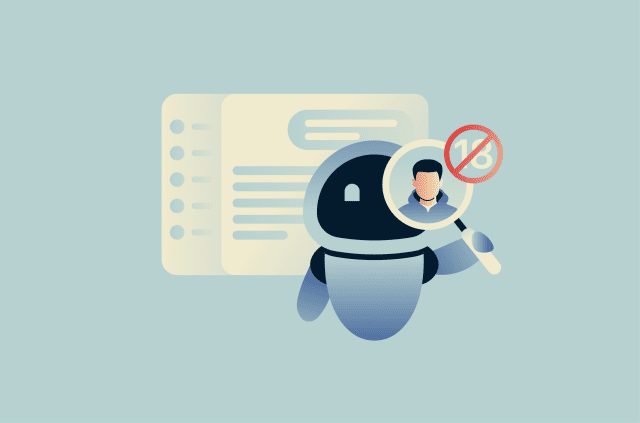
ChatGPT age verification: What it means for your privacy and access
In January 2026, OpenAI introduced an age prediction system that identifies whether a ChatGPT account likely belongs to a user under 18 and now applies stricter content rules to those accounts, framin...
-
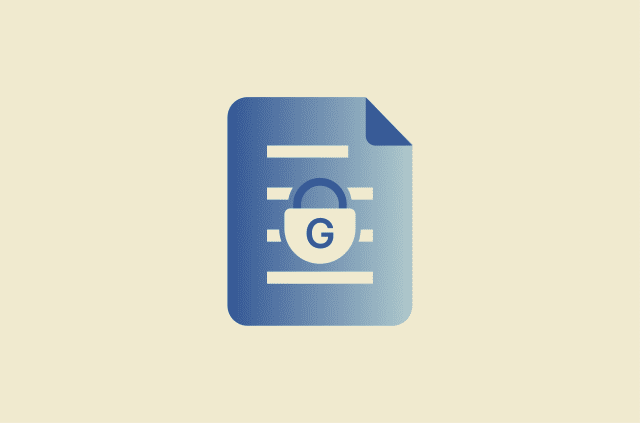
Is Google Docs secure? Security, risks, and best practices
Google Docs is generally secure for writing, collaboration, and document sharing, but its safety depends primarily on how users manage accounts and permissions. While Google offers built-in protection...
-
How to blur a photo on iPhone and protect your privacy online
From a utility bill left on the kitchen counter to a parking permit visible behind a selfie, everyday photos can reveal personal information. In many cases, the privacy risk isn't the subject of the p...
-
How to disable Firefox password manager: A simple guide to safer logins
Saving passwords in Firefox can be convenient on a private, well-secured device, but it’s not always the ideal solution, especially if you share a computer or want a password manager that works acro...
-
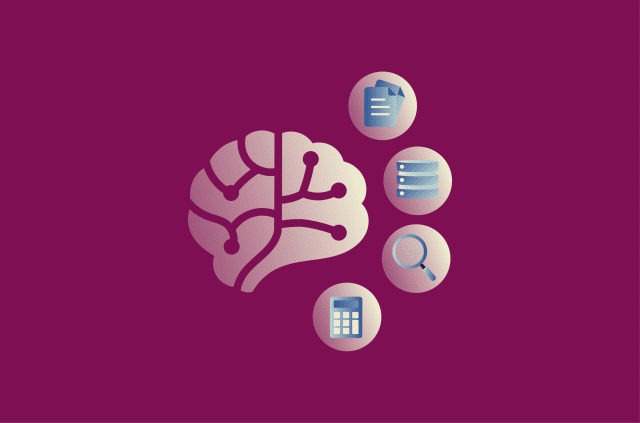
What is MCP in AI? How the Model Context Protocol powers smarter AI systems
The Model Context Protocol (MCP) is attracting growing attention as AI systems become more capable and interconnected. Since its introduction by Anthropic in November 2024, MCP has gained broad ecosys...
-
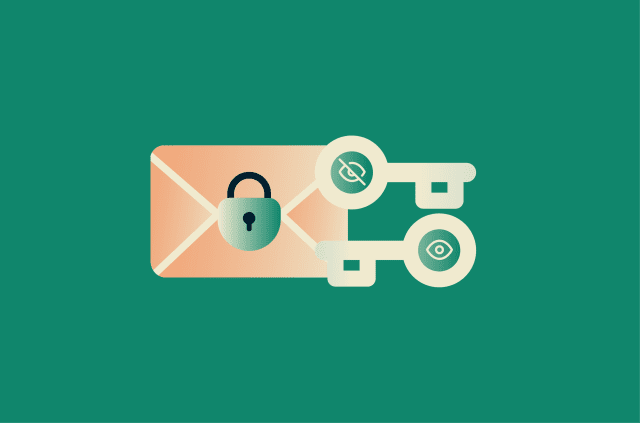
What is RSA encryption? How it works and why it still matters
Digital security relies on several key systems that most people never interact with directly. Rivest–Shamir–Adleman (RSA) is one of the earliest practical public-key cryptosystems and continues to...
-
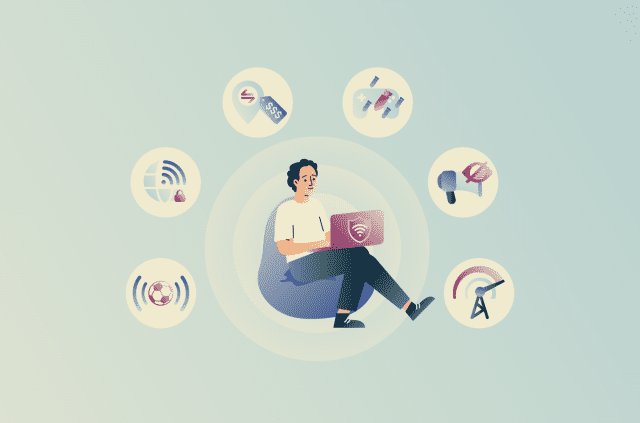
Think a VPN only hides your IP? Try these features first
Most people know that a virtual private network (VPN) hides your IP address. Many people set one up, perhaps use it once to watch something abroad, and then forget it exists. That’s a bit like b...
-
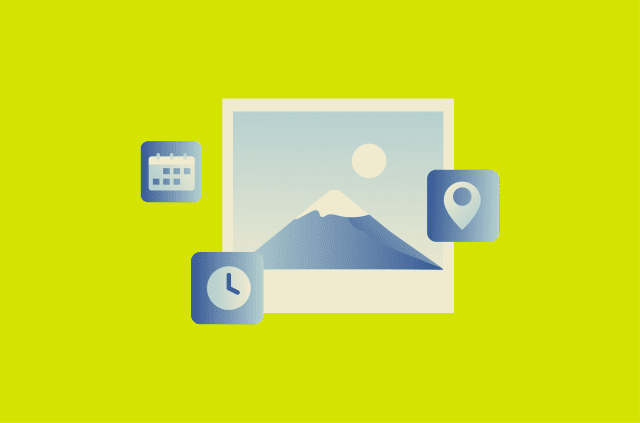
EXIF data explained: What your photos reveal and how to stay private
Photos can reveal more than what’s visible in the image. Many image files contain embedded information that may be retained when they're uploaded or shared, potentially exposing details you didn't i...
-
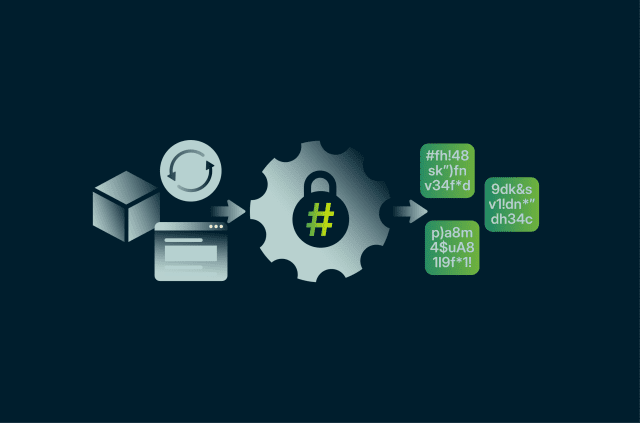
What is SHA-256? A practical guide to SHA-256 hashing
When a software update verifies itself before installing, when a Bitcoin block is added to the chain, or when secure websites check data integrity, the Secure Hash Algorithm 256-bit (SHA-256) is often...
Featured